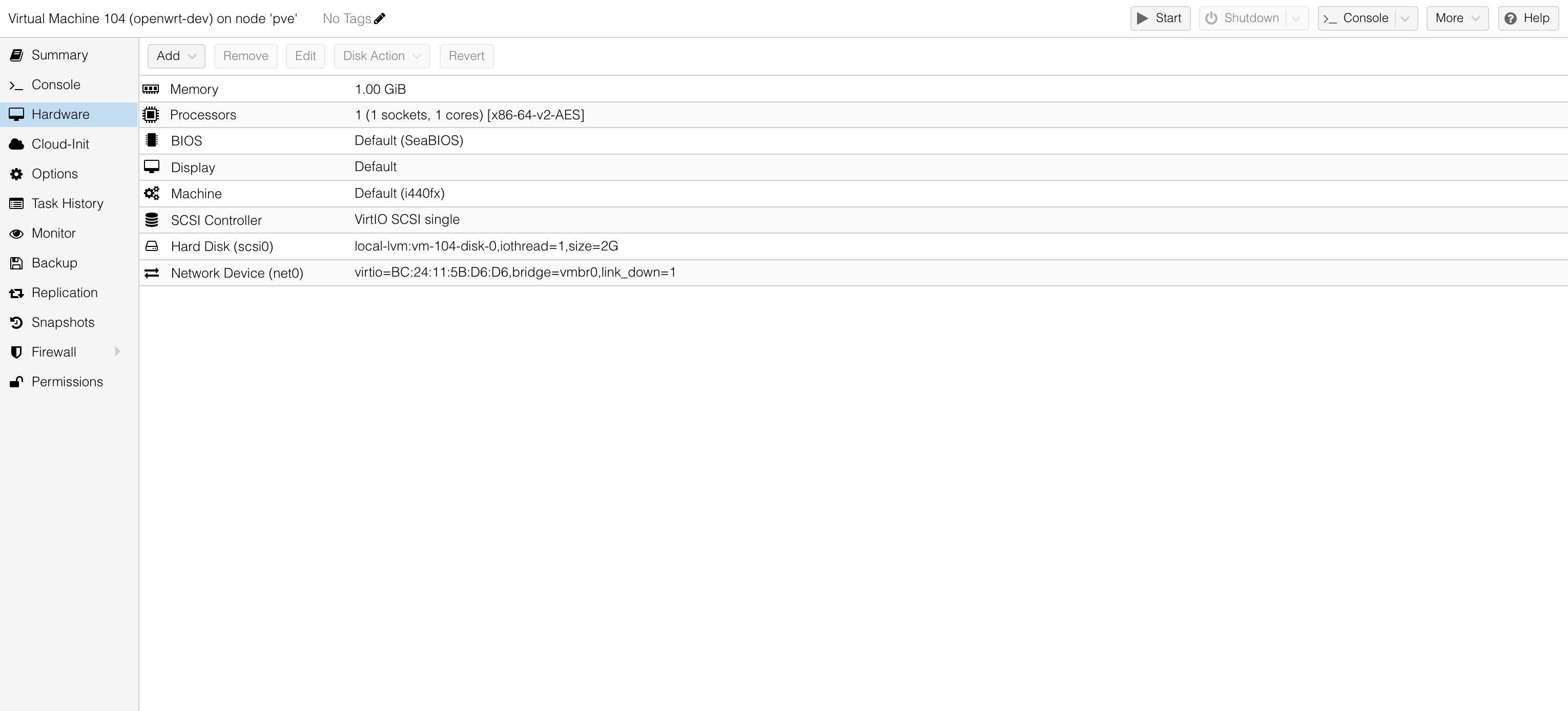
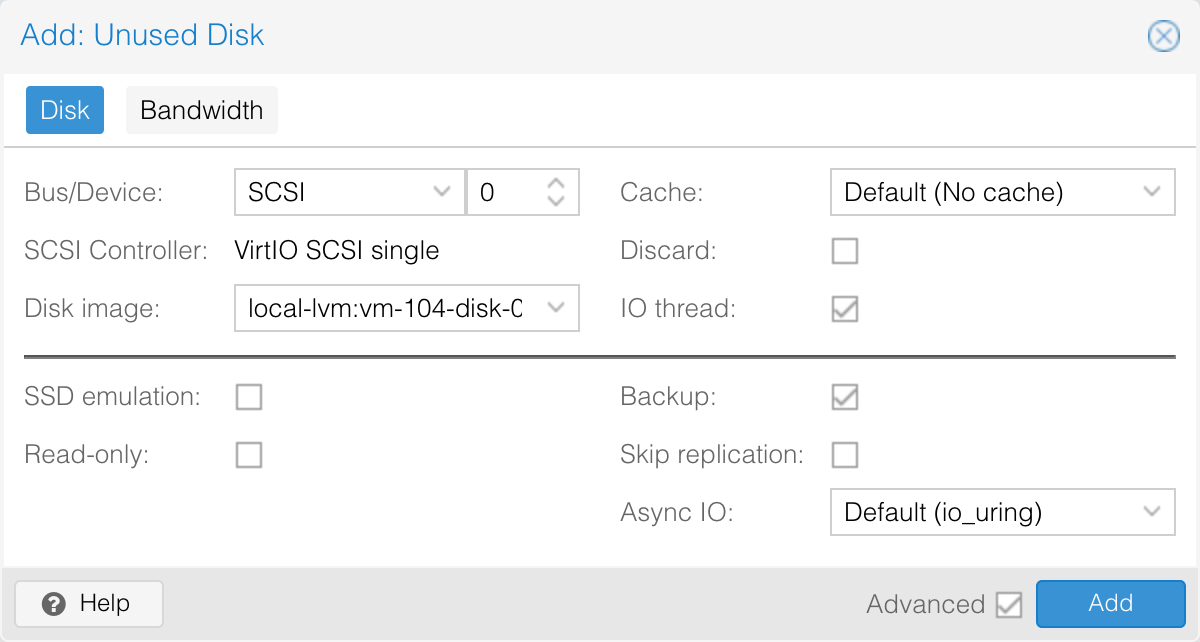
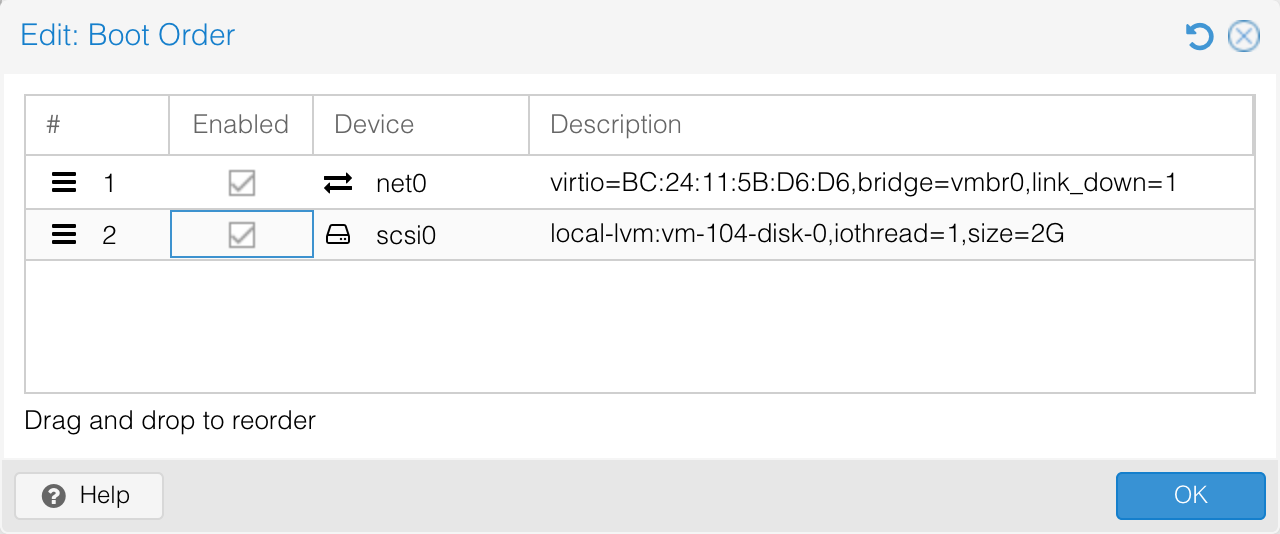
Device Start End Sectors Size Type /dev/pve/vm-104-disk-0p1 512 33279 32768 16M Linux filesystem /dev/pve/vm-104-disk-0p2 33280 246271 212992 104M Linux filesystem /dev/pve/vm-104-disk-0p128 34 511 478 239K BIOS boot
2. d 删除分区
看着可能会比较恐怖,但不同担心,我们会使用相同的起始扇区来重建分区,所以数据不会被删掉
输入分区编号,这里我们输入 2
1 2 3 4
Command (m forhelp): d Partition number (1,2,128, default 128): 2
Partition 2 has been deleted.
3. n 新建分区
分区编号:2
起始扇区:33280,必须和原始分区的起始扇区保持一致,看第一步 p 中的输出结果
结束扇区:直接回车,或输入 + 指定大小
移除 ext4 签名:N,这里一定不要移除原有的 ext4 签名,否则就直接格式化了
1 2 3 4 5 6 7 8 9
Command (m forhelp): n Partition number (2-127, default 2): 2 First sector (33280-4194270, default 34816): 33280 Last sector, +/-sectors or +/-size{K,M,G,T,P} (33280-4194270, default 4192255):
Created a new partition 2 of type'Linux filesystem' and of size 2 GiB. Partition #2 contains a ext4 signature.
Do you want to remove the signature? [Y]es/[N]o: N
4. w 写入分区表
1
2
3
4
5
6
Command (m forhelp): w
The partition table has been altered. Calling ioctl() to re-read partition table.
The kernel still uses the old table. The new table will be used at the next reboot or after you run partprobe(8) or partx(8).
$ resize2fs /dev/mapper/pve-vm--104--disk--0p2 resize2fs 1.47.0 (5-Feb-2023) Resizing the filesystem on /dev/mapper/pve-vm--104--disk--0p2 to 519872 (4k) blocks. The filesystem on /dev/mapper/pve-vm--104--disk--0p2 is now 519872 (4k) blocks long.